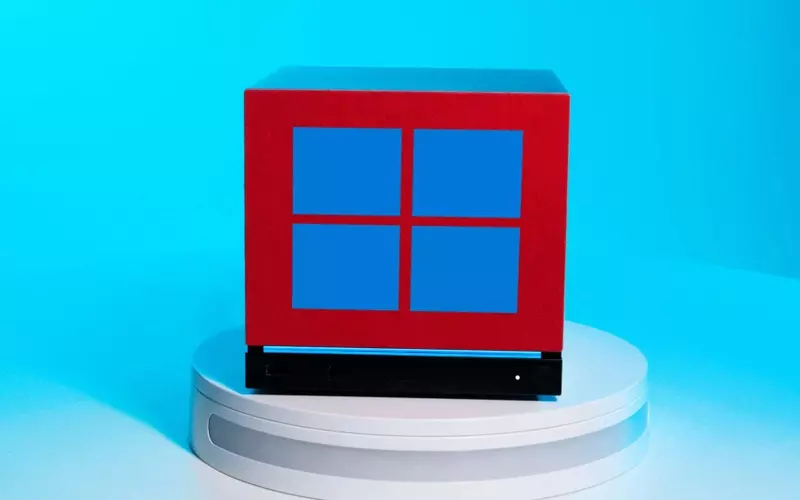

Valve has officially released Windows drivers for its Steam Machines, providing owners with the option to transition from the pre-installed SteamOS to Microsoft's ubiquitous operating system. This development addresses a long-standing desire for greater flexibility, especially for a device that, despite its innovative design and compact form factor, has seen limited market penetration. The Steam Machine, lauded for its aesthetic and small footprint suitable for living room integration, previously ran exclusively on a Linux-based platform, restricting access to a wide array of games, particularly those with anti-cheat software.
This release signifies Valve's ongoing commitment to supporting its hardware, even for products that haven't achieved mainstream success. By offering Windows compatibility, Valve acknowledges the demand for broader game access and user choice. However, the transition isn't without its intricacies, including the current lack of a seamless dual-boot option and minor installation considerations like initial network connectivity. Nevertheless, this update empowers Steam Machine users to unlock the full potential of their hardware by embracing a more widely supported operating environment.
Enhancing Steam Machine Versatility with Windows Support
Valve has now launched Windows drivers specifically designed for its Steam Machines, enabling owners to transition from the native SteamOS to Microsoft's Windows operating system. This strategic move aims to broaden the functionality and appeal of the Steam Machine, a device initially celebrated for its sleek design and compact size, making it an ideal candidate for integration into home entertainment setups. While the Steam Machine's original charm lay in its dedicated SteamOS environment, its Linux-based foundation presented compatibility challenges for certain games, particularly many popular online multiplayer titles that rely on anti-cheat systems incompatible with Linux.
The introduction of Windows drivers is a significant step towards offering users more control and a wider game library. Despite the Steam Machine's limited commercial reach since its debut, Valve's continued support reflects a commitment to its hardware ecosystem. This driver release allows users to install Windows, thereby gaining access to a vast catalog of games previously inaccessible on SteamOS. The change also caters to those who prefer the familiarity and extensive software compatibility of Windows. Although a direct dual-boot feature for SteamOS and Windows is not yet available, Valve has indicated plans to introduce such an installer in the future, further enhancing the device's flexibility. Initial setup might require an Ethernet connection as Wi-Fi drivers are installed post-OS, but this is a minor hurdle for the benefits reaped in terms of game choice and customization.
Navigating the Transition: Benefits and Considerations of an OS Switch
The availability of Windows drivers for Steam Machines opens up new avenues for users, granting them the ability to install a more universally compatible operating system than the default SteamOS. This offers a significant advantage for those looking to play games that are not optimized for Linux or are restricted by anti-cheat measures on the SteamOS platform. By making this switch, users can effectively transform their Steam Machine into a fully functional Windows gaming PC, capable of running a broader range of titles and applications without the limitations previously imposed by the operating system.
However, the process of migrating to Windows involves certain considerations. Currently, a direct dual-boot solution for SteamOS and Windows is not provided by Valve, meaning users must commit to one operating system. While experienced users might leverage alternative methods, such as installing another Linux distribution that integrates with the Steam gaming frontend to achieve a form of dual-boot functionality, the official path involves a clean installation of Windows. Furthermore, a wired internet connection is initially necessary during the Windows installation process to ensure all critical drivers, including Wi-Fi, are properly installed. Despite these minor technical hurdles, the enhanced game compatibility and the extensive ecosystem of Windows applications make this operating system switch a compelling option for Steam Machine owners seeking to maximize their device's utility and gaming potential.